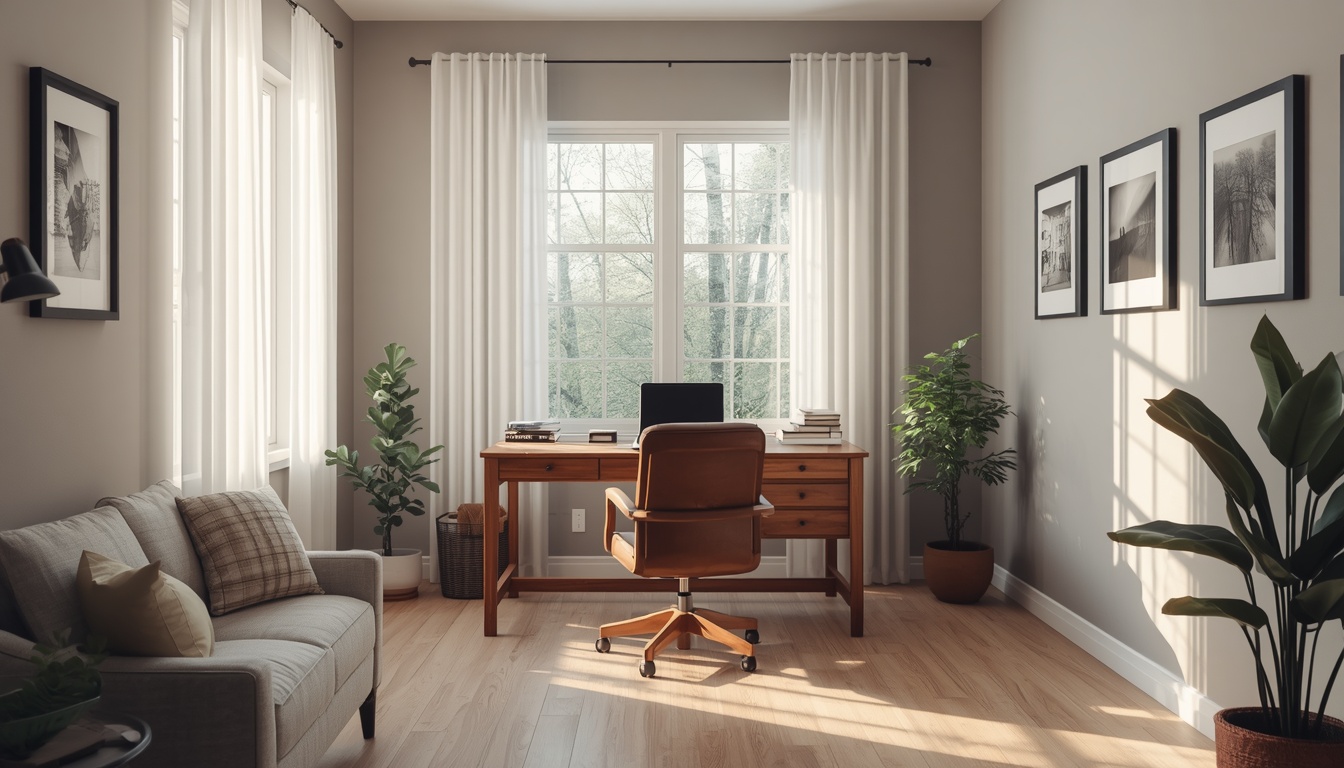
Monitor Zone Blueprint
Position screens so the top edge sits at or slightly below eye level. Refreshregen recommends an arm's-length viewing distance and a slight downward gaze of about 15 degrees.
Ask About Monitor Setuprefreshregen.world delivers structured blueprints so every corner of your home office supports neutral posture and efficient movement.
Position screens so the top edge sits at or slightly below eye level. Refreshregen recommends an arm's-length viewing distance and a slight downward gaze of about 15 degrees.
Ask About Monitor Setup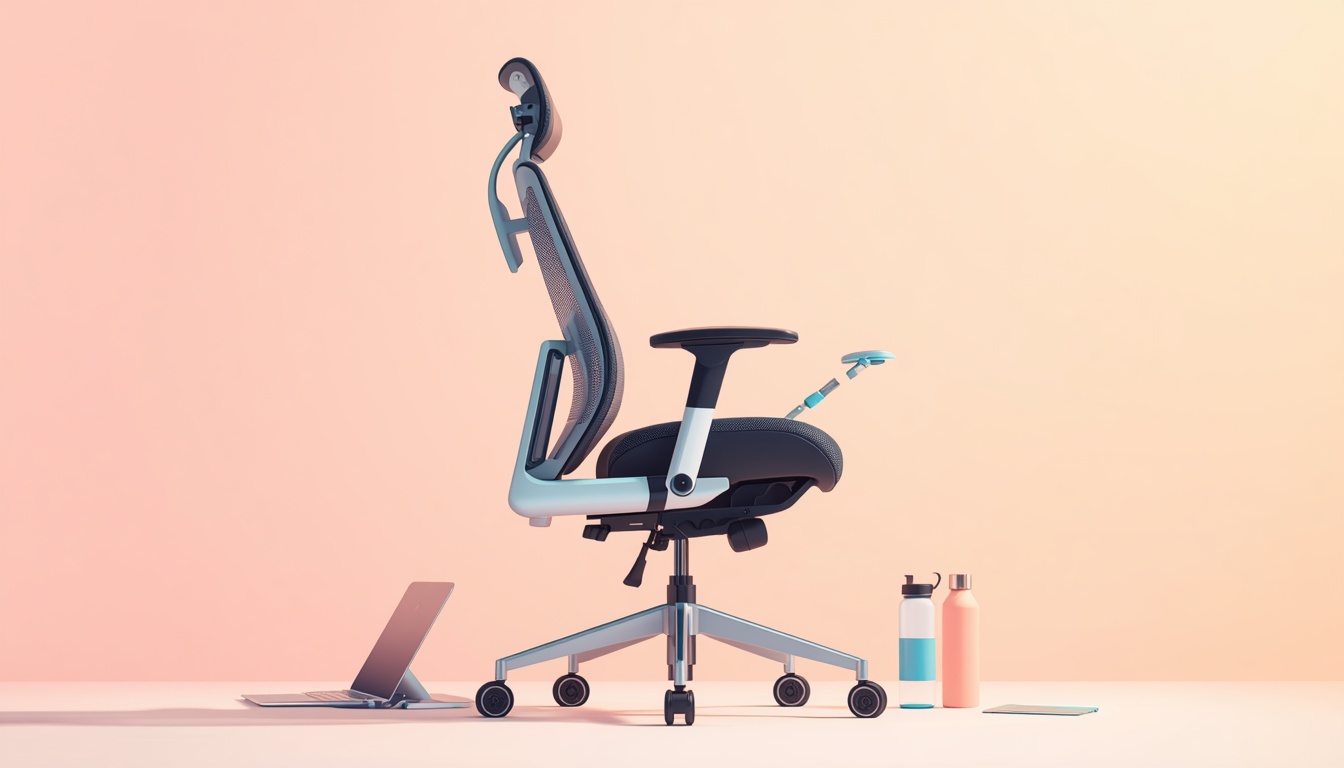
Thighs parallel to the floor, feet flat, and two fingers of space behind the knees. Our guides explain how to tune lumbar support and armrest height for typing comfort.
Keep wrists straight and elbows near 90 degrees. Negative tilt keyboards and compact mice reduce ulnar deviation during long sessions at refreshregen.world.
Alternate between sitting and standing every 45 to 60 minutes. Refreshregen outlines desk converter heights and anti-fatigue mat placement for safe transitions.
Route cables behind legs or through grommets to preserve knee clearance. Label power bricks and keep frequently used items within the primary reach arc.
Soft surfaces absorb echo during video calls. Position your desk away from HVAC vents and use directional mics when sharing space with others.
Pair these principles with gear from our curated picks or message the Refreshregen team for a walkthrough.
Browse Gear Picks